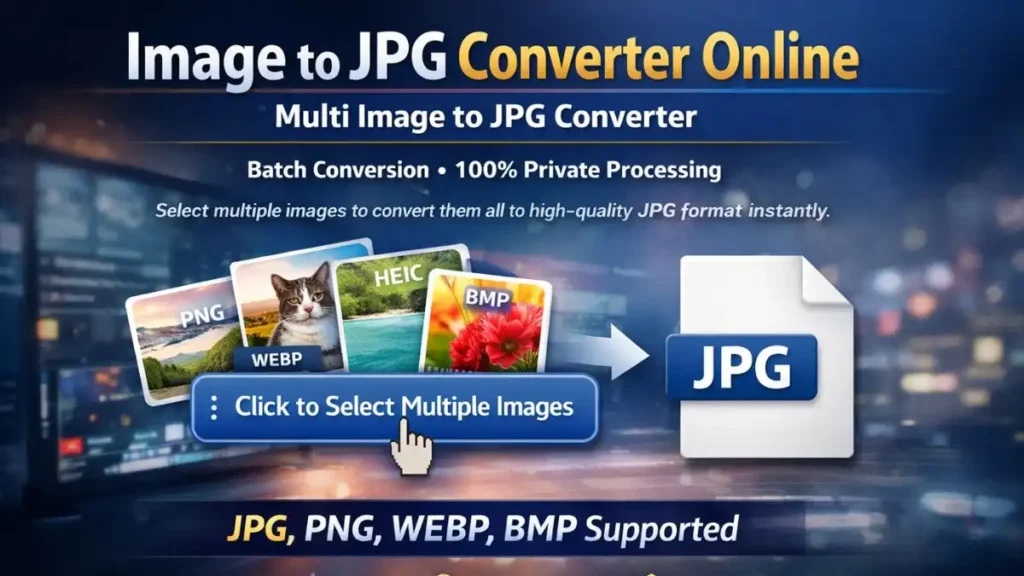
Multi Image to JPG Converter
Select multiple images to convert them all to high-quality JPG format instantly.
Click to Select Multiple Images
JPG, PNG, WEBP, BMP supportedIn today’s digital age, the JPG (or JPEG) format is the universal standard for sharing photos, uploading documents to government portals, and saving storage space. Whether you are applying for the India Post GDS 2026 recruitment or simply need to change a picture to JPG format for a social media upload, having a reliable, fast, and secure tool is essential.
Our Image to JPG Converter Online is a professional-grade utility designed to handle batch processing with zero compromise on quality. Unlike other tools that upload your private photos to a remote server, our converter works entirely within your browser, ensuring 100% privacy and lightning-fast speeds.
Why You Need to Convert Image to JPG Format
The JPEG (Joint Photographic Experts Group) format is favored because it uses a sophisticated compression algorithm that significantly reduces file size while maintaining a high level of visual detail. Here is why you should use a photo to jpg converter:
- Universal Compatibility: Every operating system (Windows, macOS, Android, iOS) and every website (UPSC, SSC, Banking portals) accepts JPG files.
- Storage Efficiency: A PNG to JPG converter can often reduce a file size by 70-80% without a noticeable loss in quality.
- Faster Web Loading: Smaller JPG files ensure that your blog or website loads quickly, improving user experience and SEO.
- Government Form Requirements: Most recruitment portals, including India Post and NTA, strictly require documents in JPG/JPEG format.
Comprehensive Support: From PNG to HEIC and Beyond
Our tool is a multi-functional powerhouse. We understand that images come in various formats depending on the device you use. That’s why we have built a universal image to jpeg converter that supports:
1. PNG to JPG Converter
PNG files are great for transparency, but are often massive in size. Our converter adds a crisp white background to transparent areas and compresses the file into a web-friendly JPG.
2. WEBP to JPG Converter
Google’s WEBP format is efficient for the web, but many offline photo viewers and legacy systems still don’t support it. Use our tool to turn WEBP to JPG in a single click.
3. HEIC to JPG Converter
If you use an iPhone, your photos are likely saved as HEIC (High-Efficiency Image Container). Most Windows PCs and online forms cannot open these. Our HEIC to JPG converter makes your iPhone photos accessible everywhere.
4. BMP and GIF to JPG Converter
Older formats like BMP (Bitmap) are uncompressed and take up too much space. Similarly, if you have a frame from a GIF you want to save as a still image, our GIF to JPG converter is the perfect solution.
How to Use the PhotoKB Image to JPG Converter
We have made the process as simple as possible. No technical knowledge is required.
- Upload: Click the “Upload” zone or drag and drop multiple images at once.
- Review Metadata: View the live image details like H and L in pixels and the original file size.
- Automated Conversion: The tool instantly processes your images in the background.
- Download: Click the “Download JPG” button for individual files or save all converted images to your device.
Why Browser-Side Conversion is Better (Privacy First)
Most “Free Online Converters” require you to upload your files to their servers. This poses a significant security risk, especially when converting sensitive documents like Aadhar cards, PAN cards, or personal photographs.
PhotoKB’s E-E-A-T Guarantee:
- No Uploads: Your images never leave your computer.
- Offline Capability: Since it uses JavaScript, it can even work without a stable internet connection once the page is loaded.
- Speed: No waiting for “uploading” or “downloading from server.” The conversion is as fast as your device’s processor.
Frequently Asked Questions (FAQs)
Will I lose quality when I convert my picture to JPG format?
JPG is a “lossy” format, meaning it discards some data to save space. However, our converter uses a high-quality (92%) compression ratio, which ensures that the human eye cannot see any difference in quality while the file size is drastically reduced.
Can I convert multiple images at once?
Yes! Our tool supports multi-image select mode. You can select a batch of images from your gallery or folder and convert them all simultaneously.
Why does my PNG background turn white in JPG?
The JPG format does not support transparency (alpha channels). Our tool automatically fills transparent areas with a neutral white background to ensure your photo remains professional and suitable for official use.
Is this tool free to use?
Yes, it is 100% free with no hidden charges, watermarks, or daily limits.
Is it safe for my private documents?
Absolutely. Because we use client-side processing, your documents are never sent to a server. You are the only person who sees your files.
Expert Tips for Better JPG Conversion
- Check Dimensions: For job portals, always check the pixel height and width provided in the tool’s metadata section.
- Naming Convention: When downloading, our tool preserves the original file name with a “-photokb” suffix to help you stay organized.
- Use Original Sources: For the best results, always convert from the highest quality original (like a RAW or high-res PNG) rather than converting a low-quality screenshot.